
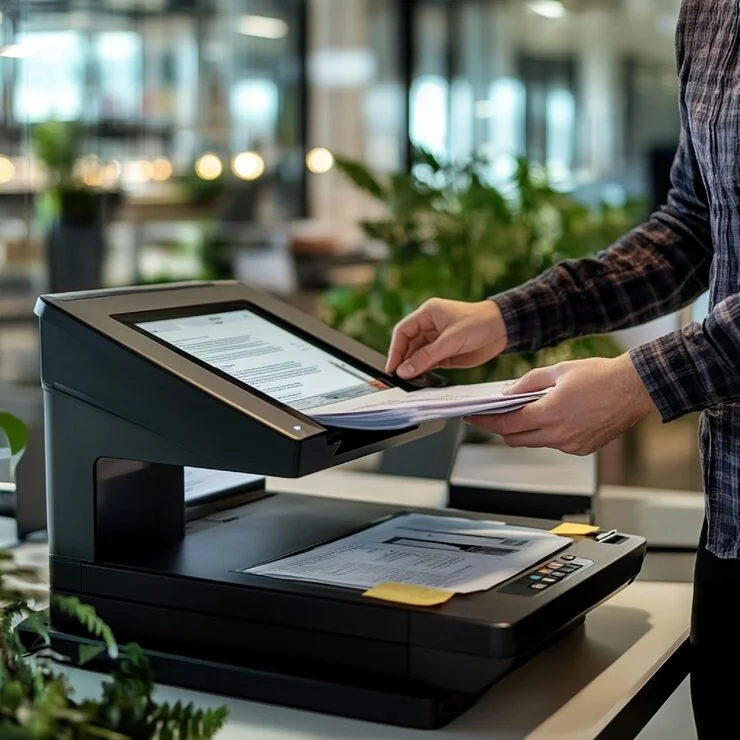
Affordable POS Receipt Printer Supplies in UAE
Reliable receipt printing is essential for retail stores, restaurants, supermarkets, cafés, pharmacies, hotels, and other businesses that process customer transactions every day. Ribbon House supplies POS receipt printer supplies in the UAE, including thermal receipt printers and cash rolls designed for different point-of-sale requirements.
Our range supports common POS environments with connectivity options such as USB, Ethernet, Wi-Fi, Bluetooth, RS232, and serial interfaces. We also supply thermal paper rolls in different sizes and can accommodate specific roll requirements, including plain and custom-printed options where applicable.
Need POS receipt printers or cash rolls? Contact Ribbon House to discuss your business requirements.
Thermal Receipt Printers and Cash Rolls for UAE Businesses
A POS receipt printer produces transaction receipts directly from a point-of-sale system, helping businesses provide customers with printed records of purchases, payments, refunds, and other transactions.
Alongside printers, businesses also need compatible receipt paper or cash rolls. Choosing the correct roll size and specification is important because the paper must fit the printer correctly and work with its printing mechanism.
For businesses looking for receipt printers in the UAE, selecting the printer and consumables together can help reduce compatibility problems and interruptions at the billing counter.
Types of POS Receipt Printers Available
Different businesses have different printing requirements. Understanding the available printer types makes it easier to select a suitable POS setup.
Thermal receipt printers use heat to create text and images on heat-sensitive thermal paper. They are commonly used for everyday receipts because they offer fast and quiet printing.
They are suitable for environments such as:
- Retail shops
- Supermarkets
- Restaurants
- Cafés
- Pharmacies
- Hotels
- Service counters
- Grocery stores
Thermal printers are generally most convenient when a business primarily needs standard receipts, bills, order slips, or transaction records.
80mm Thermal Receipt Printers
80mm receipt printers are designed for wider receipt rolls and are commonly used where businesses want more room for product descriptions, transaction details, promotional messages, or other information.
They can be useful for busy retail counters, restaurants, supermarkets, and other commercial environments where receipts contain several lines of information.
Before purchasing an 80mm printer, check the compatible paper width, maximum roll diameter, connectivity, printing speed, and POS software compatibility.
58mm Receipt Printers
58mm receipt printers use narrower paper rolls and can be suitable for compact billing counters and applications where space-saving equipment is preferred.
They may be appropriate for smaller retail operations, mobile POS environments, kiosks, and other applications where receipts contain relatively limited information.
The correct choice between 58mm and 80mm should depend on your printer setup and receipt requirements rather than paper width alone.
POS Receipt Paper Rolls and Cash Rolls
A receipt printer is only useful when it has the right consumables. Thermal paper rolls and cash rolls should be selected according to the printer's supported width, roll diameter, core size, and printing method.
Common requirements include:
- Thermal receipt rolls
- POS paper rolls
- Cash register rolls
- Till rolls
- 58mm paper rolls
- 80mm paper rolls
- Plain thermal rolls
- Custom-printed receipt rolls
- Special-size rolls
The correct roll should fit securely inside the printer and allow the mechanism to feed paper smoothly.
Need a specific thermal paper or cash roll size? Share your printer specifications with Ribbon House for assistance.

80mm Thermal Paper Rolls
80mm thermal rolls are commonly used with wider POS receipt printers. They provide additional space for transaction information and may be suitable for businesses handling detailed receipts.
Before ordering, confirm the printer's supported paper width and maximum roll diameter. Two rolls with the same width can still differ in other dimensions.

58mm Thermal Paper Rolls
58mm rolls are narrower and can be useful for compact receipt printers and POS systems designed for smaller paper formats.
Always check the printer manufacturer's specifications before replacing an existing roll with a different size.

Custom Printed Receipt Rolls
Businesses may also require printed receipt rolls containing branding or other business information. Depending on the application, rolls may include a logo, contact details, promotional messaging, terms, or other information.
Custom printing can help businesses use receipts as an additional customer communication and branding channel.
Thermal and Non-Thermal Rolls
TThermal paper uses a heat-sensitive coating that reacts to the printer's thermal print head. It does not require conventional ink or toner.
Non-thermal paper is used with different printing technologies and should not automatically be substituted for thermal paper.
The printing technology of your receipt printer should therefore be confirmed before ordering replacement rolls.
How to Choose the Right POS Receipt Printer
Choosing a POS printer involves more than selecting the first available model. Consider how the printer will be used and which features your POS system requires.

- Check the Paper Width: Determine whether your existing POS setup requires 58mm, 80mm, or another paper width.
- Check POS Compatibility: The printer should be compatible with the operating system, POS software, terminal, or other equipment used by your business.
- Consider Connectivity: Choose connectivity according to your setup. USB may be suitable for direct connections, while Ethernet can be useful for networked POS environments. Wi-Fi and Bluetooth can provide wireless connectivity where supported.
- Consider Printing Speed: Businesses with busy billing counters may benefit from a printer capable of handling frequent transactions efficiently.
- Check Roll Dimensions: Paper width is not the only consideration. Check the maximum roll diameter and core specifications supported by the printer.
- Consider Your Daily Printing Volume: A small business with occasional transactions may have different requirements from a supermarket, restaurant, or busy retail store.
- Consider Additional Features: Depending on the model, useful features may include an auto cutter, multiple connectivity options, compact construction, high-speed printing, or support for particular POS environments.
Not sure which POS receipt printer suits your business? Contact Ribbon House for product and compatibility guidance.
POS Receipt Printer Connectivity Options
Connectivity determines how the printer communicates with a POS terminal, computer, network, tablet, or other compatible equipment.
POS Receipt Printers for Different Businesses
The ideal POS printer depends on transaction volume, available space, receipt format, software, and connectivity requirements.
Retail Stores
Retail businesses may require fast receipt printing for product purchases, returns, exchanges, and customer transactions. An 80mm printer may be useful when receipts contain detailed product information.
Supermarkets and Grocery Stores
High-volume billing counters require reliable printing and appropriately sized paper rolls. Printer speed, paper capacity, connectivity, and ease of roll replacement can all influence the choice.
Restaurants and Cafés
Restaurants may use receipt printers for customer bills, order-related printing, or other POS functions. The appropriate setup depends on the POS software and operational workflow.
Hotels and Hospitality Businesses
Hotels may use POS printers across reception, restaurants, cafés, retail areas, and other departments. Network connectivity can be particularly relevant where printers are integrated into a broader POS environment.
Pharmacies and Service Businesses
Pharmacies, salons, repair shops, and other service businesses can use POS receipt printers for transaction records and customer receipts.
Key Specifications to Check Before Buying
| Feature | What to Check | Why It Matters |
|---|---|---|
| Paper width | 58mm, 80mm, or supported size | Ensures the paper fits the printer |
| Printing method | Thermal or impact | Determines the appropriate paper |
| Print speed | Printer's rated speed | Important for busy counters |
| Connectivity | USB, Ethernet, Wi-Fi, Bluetooth, RS232 | Determines how the printer connects |
| Roll diameter | Maximum supported diameter | Prevents oversized rolls from fitting incorrectly |
| Core size | Supported core specification | Helps ensure proper roll installation |
| Resolution | Printer's supported resolution | Influences print clarity |
| Auto cutter | Available or not | Useful for frequent receipt printing |
| POS compatibility | Software and operating system support | Helps avoid integration issues |
| Business application | Retail, restaurant, hospitality, etc. | Helps match equipment to workflow |
Thermal vs Impact Receipt Printers
| Feature | Thermal Receipt Printer | Impact Receipt Printer |
|---|---|---|
| Printing method | Uses heat-sensitive paper | Uses an impact mechanism |
| Ink/toner | Generally does not require traditional ink or toner | Uses a ribbon |
| Noise | Typically quiet | Typically noisier |
| Printing speed | Generally fast for receipts | Depends on the model |
| Paper requirement | Thermal paper | Compatible plain paper |
| Common applications | Retail, restaurants, supermarkets, POS counters | Specific environments requiring impact printing |
| Maintenance considerations | Requires compatible thermal paper and print-head care | Requires ribbon replacement and mechanical maintenance |
For most standard receipt-printing applications, thermal technology is a convenient option. However, the right technology depends on the business environment and printing requirements.
How to Choose the Correct Cash Roll for Your POS Printer
Choosing a cash roll involves checking several specifications rather than simply purchasing the same-looking roll.
First, confirm the paper width supported by the printer. Next, check the maximum roll diameter and core size. You should also determine whether your printer requires thermal paper or another type of paper.
paper or another type of paper. For businesses ordering large quantities, it can also be useful to consider:
- Paper quality
- Roll length
- Storage conditions
- Printing requirements
- Plain or custom printing
- Required quantity
- Printer compatibility
Keeping a consistent supply of compatible rolls can help businesses avoid unnecessary interruptions during daily billing operations.
Why Choose a UAE Supplier for POS Printer Supplies?
Sourcing POS printing equipment and consumables from a UAE supplier can make it easier for businesses to communicate their exact requirements and arrange supply according to their operational needs.
When evaluating a supplier, consider:
Product range
Printer and paper compatibility guidance
Availability of required roll sizes
Custom printing options
Bulk-order requirements
Delivery arrangements
Customer support
Ability to source specific requirements
Ribbon House supplies printing-related products and solutions for businesses, allowing customers to discuss printer, paper, labelling, and other commercial printing requirements.
Related Printing and Labelling Solutions
POS equipment is often only one part of a business's printing requirements. Retailers, warehouses, logistics companies, hospitality businesses, and other organisations may also need labels and related printing materials.
If your business needs specialist labelling solutions, explore our DG label supplier in Dubai service for related requirements.
For businesses that also need branded marketing materials, our affordable pamphlet printing in Dubai service can support promotional and informational print requirements.
Businesses using thermal printing equipment may also require ribbons and other printing consumables. Explore our Zebra ribbon suppliers in Dubai solution for related thermal-ribbon requirements.
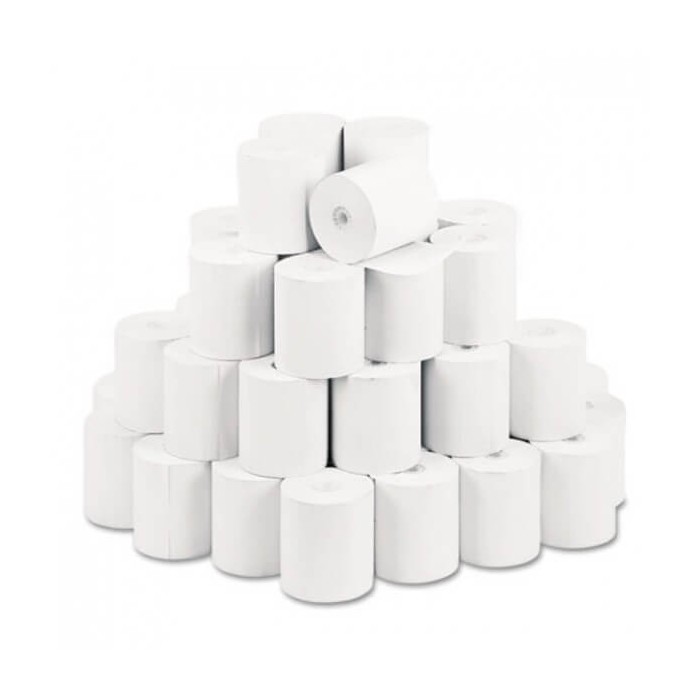
Thermal Cash Rolls
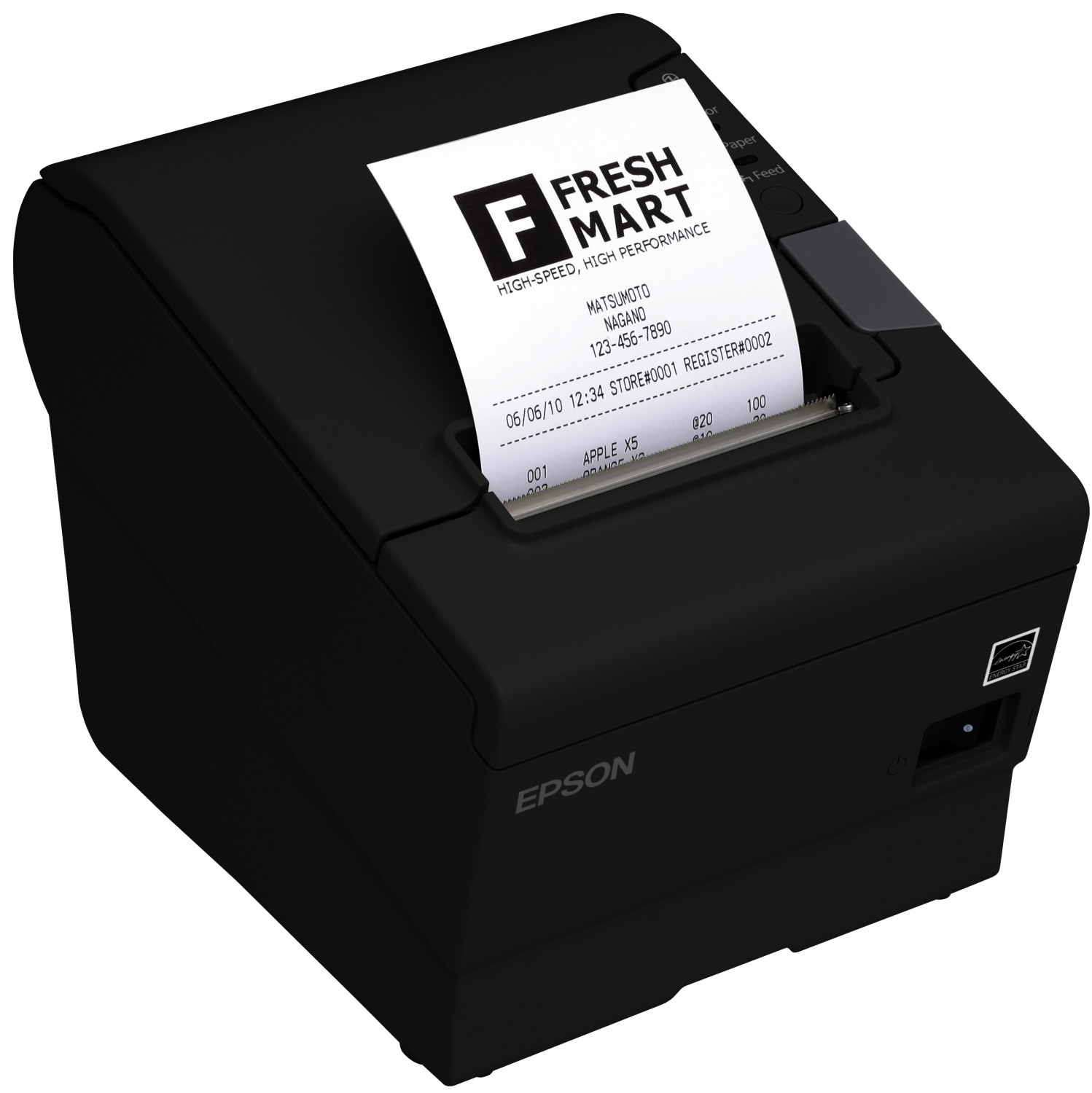
Epson TM-T88V
Thermal Cash Rolls
Epson TM-T88V
Thermal Cash Rolls
Epson TM-T88V
Thermal Cash Rolls
Epson TM-T88V
Frequently Asked Questions
Quick answers to common queries
POS receipt printer supplies include receipt printers, thermal paper rolls, cash rolls, and other consumables required for point-of-sale receipt printing.
Most thermal POS receipt printers use heat-sensitive thermal paper. The correct paper width, roll diameter, and core size depend on the printer.
58mm paper is narrower and suits compact POS setups, while 80mm paper provides more printing space for detailed receipts and transaction information.
No. Direct thermal receipt printers generally create images by applying heat to specially coated thermal paper, so traditional ink cartridges are not required.
Check the printer's supported paper width, maximum roll diameter, core size, and printing technology before purchasing replacement receipt rolls.
Neither is universally better. The suitable option depends on your POS system, receipt format, available counter space, transaction information, and business requirements.
Yes. Depending on the printer, connectivity may include USB, Ethernet, Wi-Fi, Bluetooth, RS232, or serial interfaces. Compatibility should be checked beforehand.
Some POS receipt printers support Wi-Fi connectivity. The printer, POS software, network, and operating system must all support the required configuration.
Some models support Bluetooth or Wi-Fi connections with compatible smartphones and tablets. Compatibility depends on the printer and POS application.
Some receipt printers and POS systems can support Arabic or multilingual printing. Businesses should confirm language support with the specific printer and software before purchase.
A suitable restaurant receipt printer depends on the POS system, order workflow, printing volume, connectivity requirements, and whether the printer is used for customer receipts or other operational printing.
Yes, certain receipt rolls can be custom printed with business branding or other information, depending on the paper type, printing requirements, and supplier capabilities.
Replacement frequency depends on receipt volume and roll length. High-volume businesses generally consume paper faster and should maintain an adequate stock of compatible rolls.
Check paper size, POS compatibility, connectivity, printing speed, roll capacity, printing technology, business application, and any additional features required for your workflow.
Businesses can contact Ribbon House to discuss suitable receipt printers, thermal rolls, cash rolls, specifications, quantities, and other POS printing requirements.
Need printers or receipt rolls in bulk? Contact Ribbon House to discuss your requirements and availability.